CSV bulk import
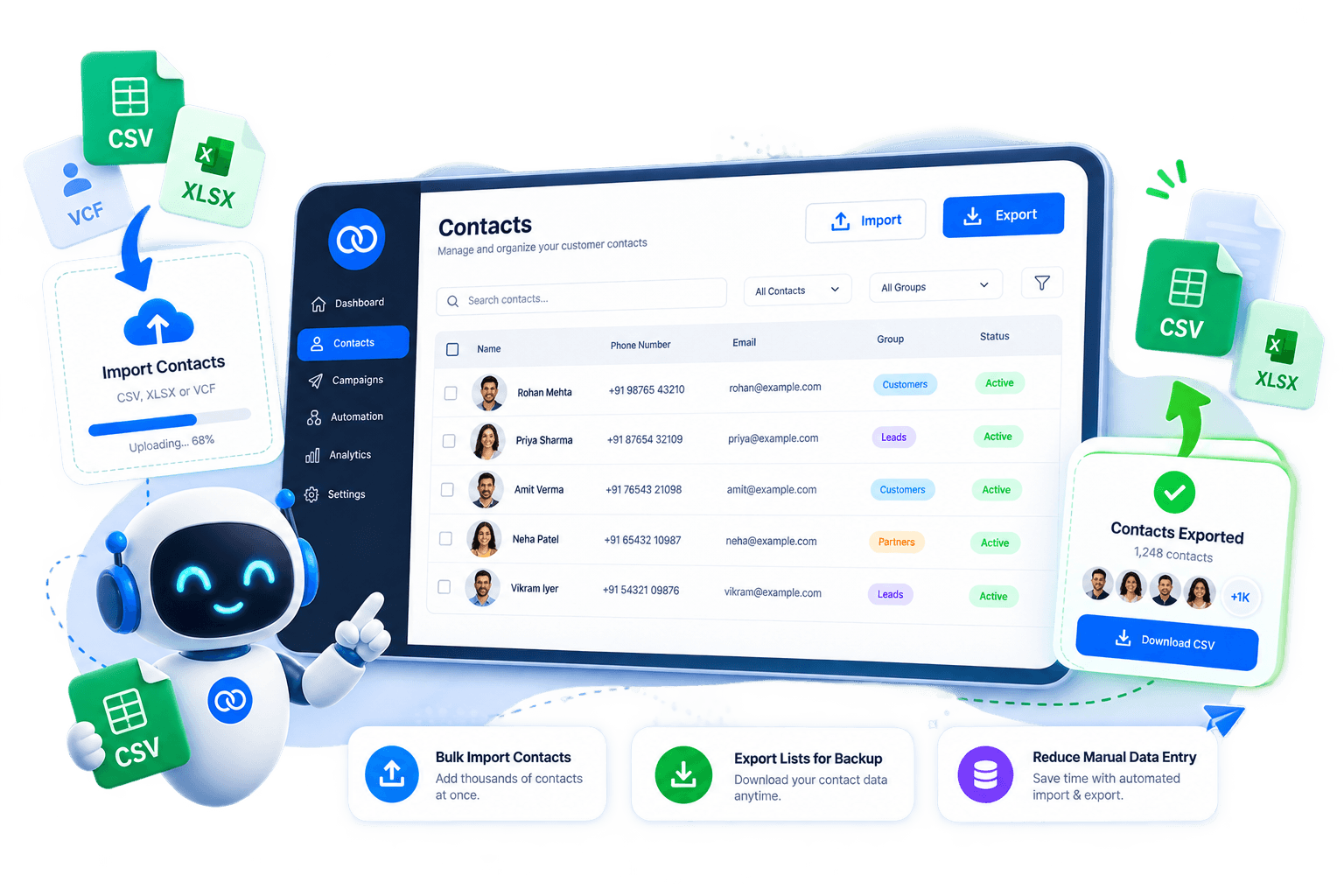
Drop in a spreadsheet of names and numbers instead of adding contacts manually — ideal for migrations, event lists, and purchased lead files.
 Official WhatsApp Business API
 Meta Tech Partner
Upload a CSV to populate your WhatsApp audience, keep numbers deduped, and export clean contact sheets whenever you need a backup or a handoff to your CRM.




















How it works
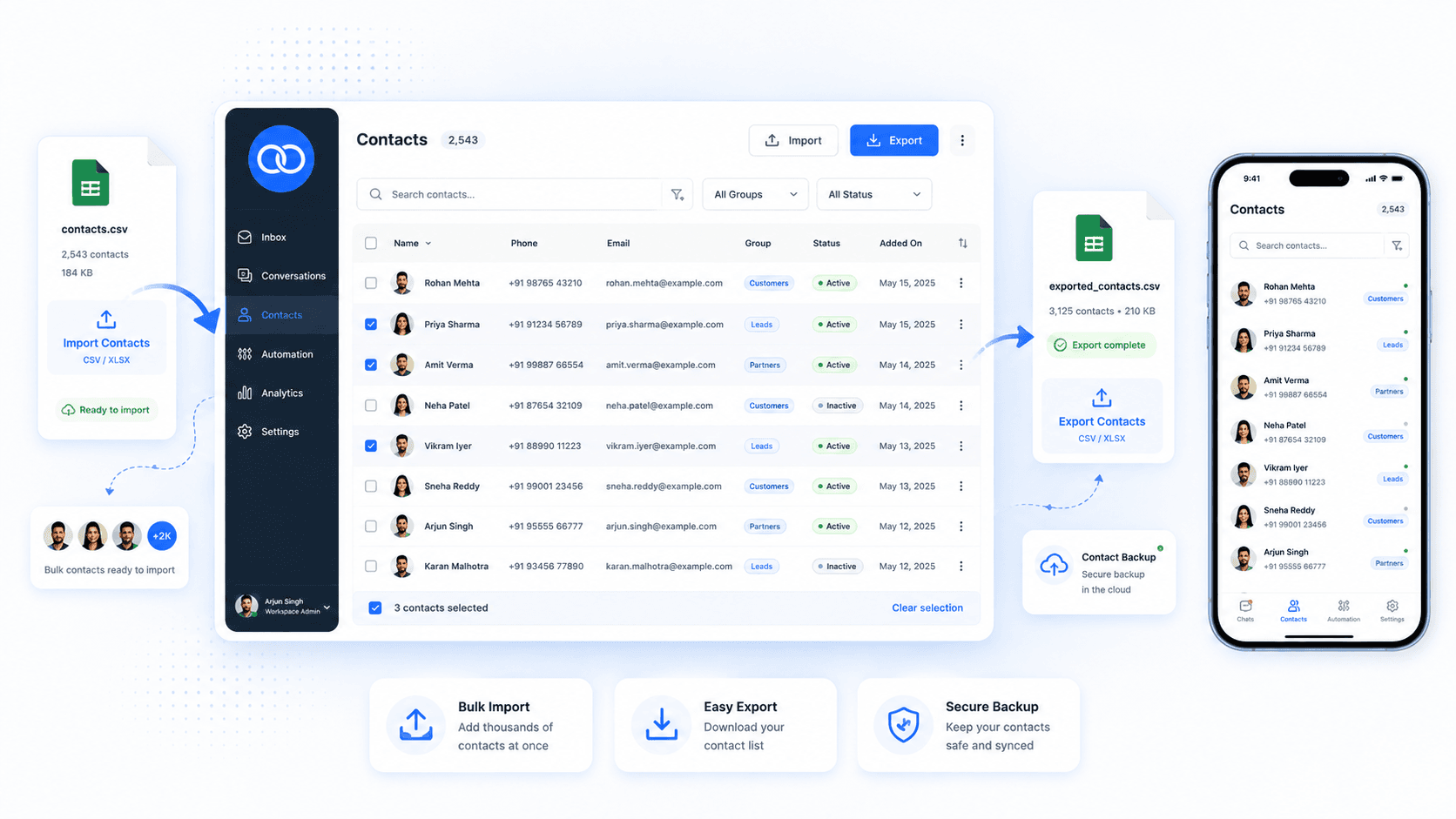
Boomly lets you bulk-import phone numbers and names from a spreadsheet, review rows before they land, and export the same list when you need reporting, backups, or an agency handoff.
Platform capabilities
Drop in a spreadsheet of names and numbers instead of adding contacts manually — ideal for migrations, event lists, and purchased lead files.
Download your audience as CSV whenever you need a snapshot for finance, ops, or an external tool.
Review imports with deduping so the same number does not create multiple records or skew broadcast counts.
Imported contacts flow straight into campaigns and drips once your WhatsApp templates and opt-in rules are in place.
Work with familiar columns — name, phone, tags — so your team does not need a new format every time.
Numbers that message you organically sit alongside imported contacts in one shared book.
Use cases
Any team that manages lists outside WhatsApp — agencies juggling client files, stores with offline buyers, or sales ops moving data between tools — saves hours when import and export live inside Boomly.
Onboard a new client by uploading their lead sheet, run campaigns from Boomly, and export results for monthly reporting.
Import purchasers from checkout exports or marketplaces and message them on WhatsApp for repeat orders and delivery updates.
Merge event sign-ups, form fills, and outbound lists into one deduped book before handing hot leads to closers.
Connect Boomly to the apps your team already uses — streamline workflows, keep data in sync, and run WhatsApp automation without switching tabs.









Import once, segment in Boomly, and launch your next WhatsApp broadcast from the same contact book your team already uses in the inbox.
Go to Contacts in your Boomly dashboard, choose Import, and upload a CSV with columns like name, phone, and tags. Map fields to match your sheet, review duplicates, and confirm — imported numbers appear alongside organic WhatsApp contacts.
Marketing. Sales. Support. Automation. AI. Everything you need to automate conversations and grow on Instagram, WhatsApp & Messenger — in one powerful suite.

Powered by Official WhatsApp Business API